
C-Arm Service Call Checklist: 7 Details to Have Ready
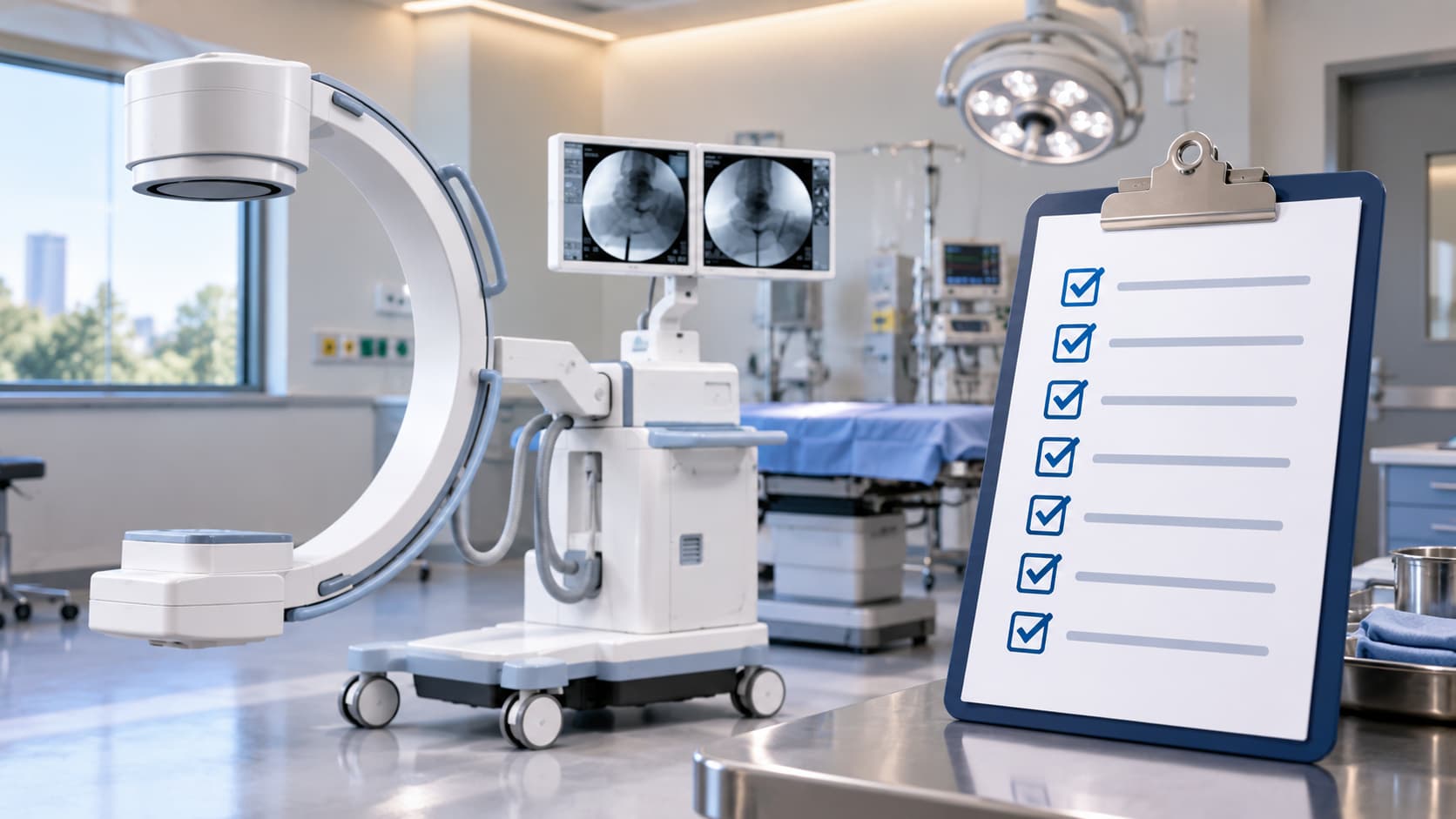
Your C-arm went down this morning, or it is showing an error you have never seen before, or it behaved strangely during a procedure and you are not sure whether to use it again. Whatever brought you here, you are probably a practice manager, equipment coordinator, or clinic supervisor trying to figure out what to tell a technician. A good C-arm service call checklist is not about diagnosing the problem yourself. It is about organizing what you already know so that the conversation with a qualified specialist is efficient, accurate, and gets your equipment back in service as quickly as possible.
This guide walks through seven categories of information worth gathering before you pick up the phone. None of it requires operating the equipment, recreating a fault, or opening any panel. Work only from what you have already observed and what your records already contain.
What to Gather Before You Contact a C-arm Service Specialist
Equipment Identification
Start with the basics: manufacturer, model name, and serial number. Most C-arms carry a label on the generator unit or the monitor cart. You may also find this information in your purchase agreement, delivery paperwork, or an asset tag in your facility management system. For common platforms such as GE OEC, Siemens, Ziehm, or Philips, the model name is often printed prominently on the unit itself. Write it down exactly as it appears, including any suffix letters or revision numbers, because those details affect parts availability and service documentation.
The Exact Error Message or Code
If the system displayed an error message or numeric code, record it word for word. Do not paraphrase and do not try to interpret what it means. A technician needs the precise text because a single word or number changes what they look for. If the screen is currently showing the message, photograph it with your phone. Any photograph must exclude patient information, including worklists, patient name fields, or anything visible on a nearby secondary monitor.
Timeline and Frequency
Note when the issue first appeared, how many times it has occurred, and roughly how often. Was it a one-time event or does it repeat under similar conditions? What was the system doing at the time: powering on, mid-procedure, moving between rooms, or sitting idle? This pattern helps a technician understand whether something is intermittent or progressive, which shapes how they approach the visit.
A Plain-Language Description of the Symptom
Describe what staff actually saw, heard, or noticed. Separate observation from assumption. “The image appeared darker than usual and flickered twice before the system alarmed” is useful. “We think the image intensifier is failing” is an assumption. The technician will draw their own conclusions. Your job is to describe what happened in the room from the perspective of someone who was present. If multiple staff members were there, gather their accounts separately before combining them.
Recent Service History and Known Changes
Think back over the past few months. Has the unit been serviced, inspected, or repaired? Do you have the service report? Has the unit been moved to a different room or facility location? Were there any changes to the room, such as a new electrical circuit, flooring work, or a shift in how the equipment is positioned day to day? Any of these factors can be relevant context, even when they seem unrelated to the current symptom.
Facility Location, Access, and Scheduling
Be ready to share the full facility address and the direct phone number of whoever will meet the technician on-site. Note any access constraints: badge requirements, parking limitations, loading dock hours, or floors that require escort. Surgery centers and outpatient clinics often have specific days when a procedure room can be taken offline; sharing that upfront prevents delays.
Service Paperwork and Coverage Questions
Pull whatever documentation you have: purchase agreement, service contract, warranty paperwork, or prior service reports. Come prepared with questions too. Is this visit covered under an existing agreement? What does an initial assessment involve? What are the next steps if parts are needed? Our team’s broader resource on C-arm service and installation covers the full scope of what a professional service engagement typically includes and is worth reviewing before or after your call.
A Reusable Service-Request Template
Keep a version of the following form near your equipment log or in your facility management folder. Fill it in from existing records and direct observation only.
- Manufacturer: ___________________________
- Model name and number: ___________________________
- Serial number: ___________________________
- Error message or code (exact text): ___________________________
- Date issue first appeared: ___________________________
- Frequency of occurrence: ___________________________
- What the system was doing at the time: ___________________________
- Plain-language symptom description: ___________________________
- Recent service, repairs, or moves: ___________________________
- Facility address: ___________________________
- On-site contact name and phone: ___________________________
- Access or scheduling constraints: ___________________________
- Service or warranty documents available: Yes / No / Partial
- Questions for the technician: ___________________________
A down C-arm affects your clinical schedule and, depending on your facility type, can put referrals and revenue at risk the same day. The information gathered here takes most coordinators less than fifteen minutes to pull together from existing records, and it means the technician arrives prepared rather than spending the first hour of a visit piecing together context that should have been a phone call. When you are ready to discuss your situation, reach out to Pacific Healthcare Imaging directly. Call (619) 810-0020 or email sales@pacifichealthusa.com to speak with a medical imaging equipment specialist and talk through service needs, availability, and next steps. There is no obligation in having that first conversation, and it is always the right place to start.
Frequently Asked Questions
What is a C-arm service call checklist, and do I really need to complete one before calling?
It is simply a structured way to organize the information a technician needs before arriving at your facility. You do not need to complete every field to pick up the phone. Even partial information is helpful, and the specialist you speak with can guide you through anything that is missing.
What if I cannot find the serial number before I call?
Call anyway. The serial number is helpful but not required to start a conversation. A technician can often work from manufacturer and model name alone while helping you locate the serial number through other means, such as the original purchase documents or a label in a less obvious spot on the unit.
Should I try to recreate the fault so I can describe it more accurately?
No. Do not operate equipment specifically to reproduce an error or confirm a symptom. Work only from what has already been observed. Describe what happened from memory or from staff accounts, and leave the diagnostic work to the technician.
What should I do if my service records are incomplete or missing?
Share what you have and be honest about what is missing. A gap in records is not unusual, particularly for equipment that has changed hands or has been in service for several years. A qualified technician will conduct their own assessment regardless, and knowing that records are incomplete helps them plan accordingly.
Can I send a photo of the error screen when I contact Pacific Healthcare Imaging?
Yes, and it is often very useful. Make sure the photo shows only the error display and does not capture any patient information visible on nearby monitors, worklist screens, or other displays in the room. A clear, well-lit photo of just the error message can save significant time during the initial consultation.
Who should I contact at Pacific Healthcare Imaging to discuss a service issue?
Reach the team directly by calling (619) 810-0020 or emailing sales@pacifichealthusa.com. You can also submit an inquiry through the Pacific Healthcare Imaging contact page. A specialist will talk through your situation, ask clarifying questions, and help determine the appropriate next steps based on your equipment and facility needs.


